Sign Studio
Design signs, QR codes, Wi-Fi stands and plaques. Export layered laser SVG or a plate and raised artwork for two-colour 3D printing.
 Pluto3D
7 tools · Free · Local to your browser
Pluto3D brings design, preview and export together for laser work and 3D printing. Design a sign, engrave a photo or prepare a model with the current free studio.
Open the studio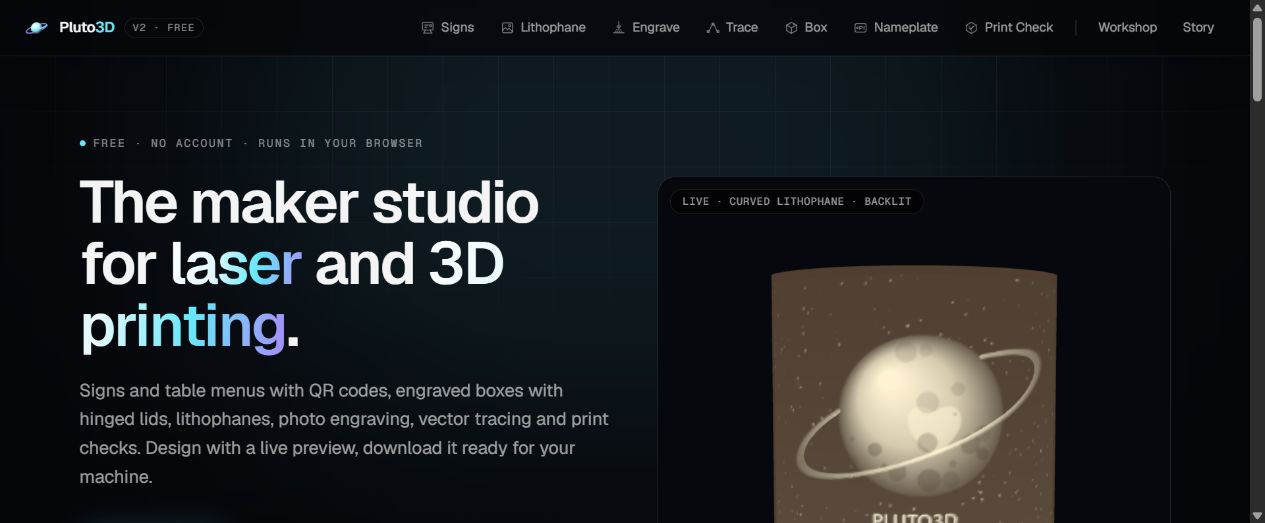
Design signs, QR codes, Wi-Fi stands and plaques. Export layered laser SVG or a plate and raised artwork for two-colour 3D printing.
Create lithophanes, photo engravings, traced vectors and finger-joint boxes with an optional hinged lid. Export STL, SVG or PNG according to the tool.
Make nameplates and keychains. Inspect STL, OBJ, 3MF or GLB models for dimensions, watertightness and printer-bed fit.
How it works